
How Parents Use Soccer Training Apps: Insights & Tips
For busy parents, helping kids excel at soccer can feel like a juggling act. Between school, work, and family life, it’s tough to find time for structured, effective training. That’s where soccer training apps like Trackli’s FirstTouch come in—a digital assistant in your pocket, offering expert-guided drills, personalized plans, and real progress tracking. But how do parents actually use these apps, and what patterns emerge in their approach? Let’s explore the ways modern families are making the most of soccer training technology, and discover how you can do the same.
Embracing Flexibility in Busy Schedules
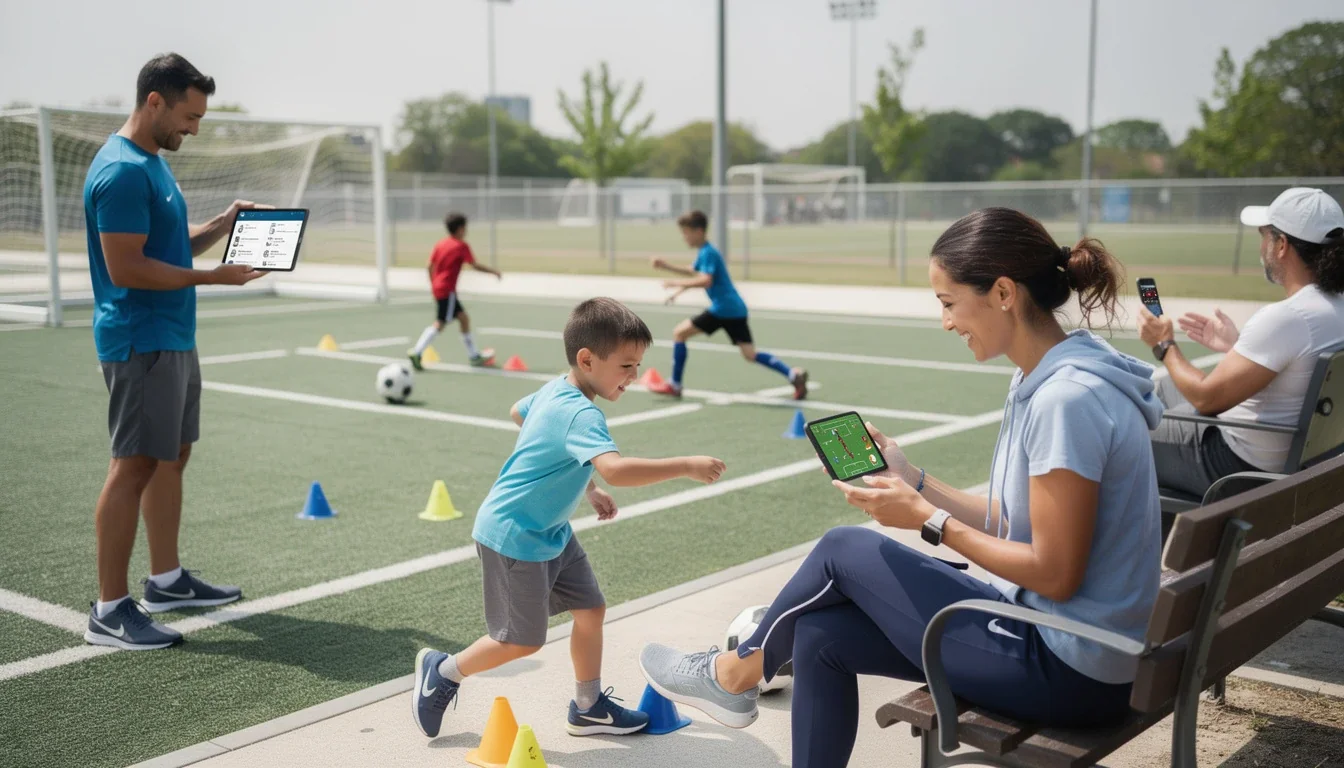
One of the biggest advantages of soccer training apps is how they fit into ever-changing family routines. Parents aren’t always able to drive their kids to extra practices or private coaching, but with an app, soccer training can happen almost anywhere—at home, in the backyard, or even at the local park.
Most parents find themselves using apps like FirstTouch to fill in the gaps between team practices and games. Whether it’s a quick 20-minute footwork session before dinner or a longer skills workout on the weekend, the flexibility is a game-changer.
Parents often mention that scheduled notifications or calendar syncing helps them and their kids remember to train, making it easy to build good habits without nagging. Many families will set aside a few “soccer app” slots during the week, sometimes using the app to gether for extra bonding.
Pro tip: Try linking short training sessions to daily routines—like after homework or before screen time—to help your child stay consistent without feeling overwhelmed.
Prioritizing Safety and Skill Development
Safety-conscious parents appreciate the structure and guidance that soccer training apps provide. With video demonstrations and step-by-step instructions, kids can learn proper technique, reducing the risk of injury from unsupervised or incorrect practice. This is especially important for younger players, who might not always remember what their coach showed them at practice.
Apps like FirstTouch break down drills into manageable steps and offer personalized feedback based on the player’s progress. Parents can rest easy knowing their child isn’t just kicking a ball around—they’re following a safe, well-designed curriculum that builds skills systematically.
Some parents also use the app’s progress tracking features to monitor their child’s development. Seeing improvement over time helps reassure parents that the training is both effective and appropriate for their child’s age and ability.
Pro tip: Watch the drill videos to gether with your child before they start a new skill. It’s a great way to discuss safety tips and set expectations for each session.
Making Training Fun and Motivating
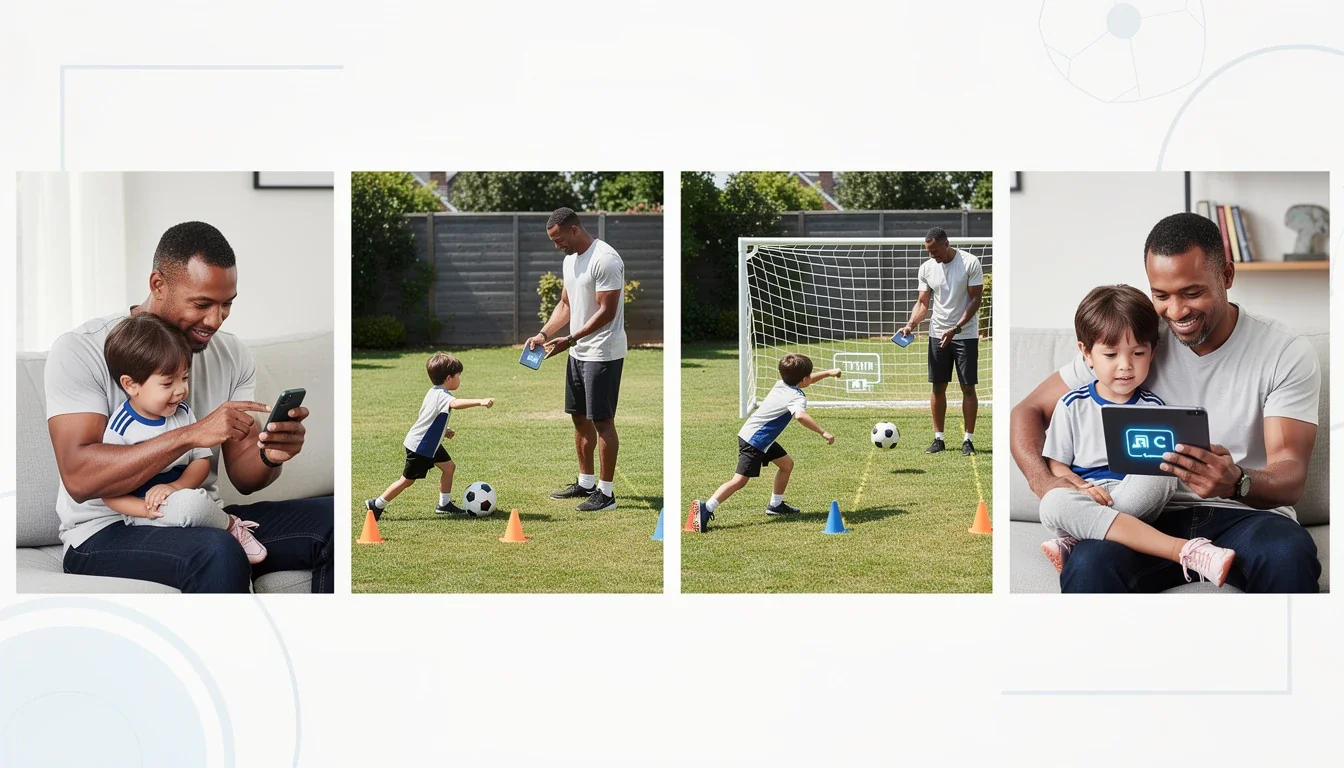
Let’s face it—kids are more likely to stick with soccer training if it’s fun and rewarding. Parents have noticed that the interactive features in soccer training apps make a real difference. With elements like achievements, progress badges, and friendly challenges, kids feel motivated to complete their workouts and try new drills.
Many parents have found success by joining in or celebrating their child’s milestones. Whether it’s mastering a tricky move or leveling up in the app, small celebrations go a long way. Some families even create friendly competitions between siblings or friends, using the app’s built-in tracking to compare progress.
The key is to keep the focus on effort and improvement, rather than just winning or outperforming others. With a supportive approach, parents can help children build confidence and a lifelong love of the game.
Pro tip: Set up a simple reward system at home for reaching app milestones—like picking a family movie or choosing dinner. Positive reinforcement keeps kids engaged and excited to train.
Supporting Independence and Personal Growth
As kids grow older, many parents use soccer training apps to foster independence and self-motivation. Older children (ages 12–18) often appreciate the ability to choose their own drills, set personal goals, and track their progress without constant parental oversight.
Parents report that giving kids ownership over their training builds discipline and time-management skills. The app acts as a virtual coach, offering guidance and structure while allowing space for self-directed learning.
That said, even independent athletes benefit from occasional check-ins. Parents can use the app’s progress reports to encourage conversations about what’s working, where their child feels challenged, and how to overcome obstacles. This collaborative approach keeps kids accountable while respecting their growing autonomy.
Pro tip: Once a week, have a brief “soccer check-in” with your child. Review progress to gether, celebrate wins, and set new goals for the week ahead.
Staying Connected with Coaches and Teams
Soccer training apps increasingly offer ways for parents to stay connected with coaches and teams, even outside of regular practices. Some parents use app features to share progress reports or completed drills with their child’s coach, helping everyone stay on the same page.
This can be particularly helpful when a player is working on specific skills between practices or recovering from an injury. Coaches can recommend drills tailored to the player’s needs, while parents can provide feedback on how things are going at home.
Staying connected through the app also helps busy parents keep track of upcoming games, team challenges, or group training sessions. Everything’s in one place, making it easier to coordinate family schedules and ensure kids are prepared.
Pro tip: Use the app’s messaging or sharing features to update coaches on your child’s progress. It’s a great way to build a strong support network around your young athlete.
Overcoming Common Challenges
No app is a magic solution—it’s normal for parents to face obstacles when helping kids use soccer training apps. Common challenges include maintaining motivation, balancing screen time, and ensuring exercises are done correctly.
Parents have found that setting realistic expectations is crucial. Not every week will be perfect, and that’s okay. Offering encouragement, staying involved, and celebrating progress (big or small) go a long way.
It’s also helpful to balance app-based training with unstructured play. Encourage your child to use what they’ve learned in games with friends or family. The goal is to make soccer a fun, positive part of daily life, not just another task.
Pro tip: If motivation drops, try shaking up the routine—switch up drills, invite a friend over for a joint session, or create a mini “skills challenge” at home to rekindle excitement.
Related Articles
- Real-Time Affiliate Reporting for Youth Apps:
- Data-Driven Partnership Insights for SaaS Growth
- Partner Recruitment Strategies for SaaS
Conclusion
Soccer training apps like Trackli’s FirstTouch are transforming how parents support their young athletes. By offering flexibility, safety, engagement, and structure, these tools fit seamlessly into family life—empowering kids to grow as players and individuals. Each family’s usage pattern is unique, but the common thread is a commitment to making soccer training accessible, fun, and effective for every child. With a little creativity and encouragement, you’ll help your child get the most out of their soccer journey—one tap, kick, and high-five at a time.